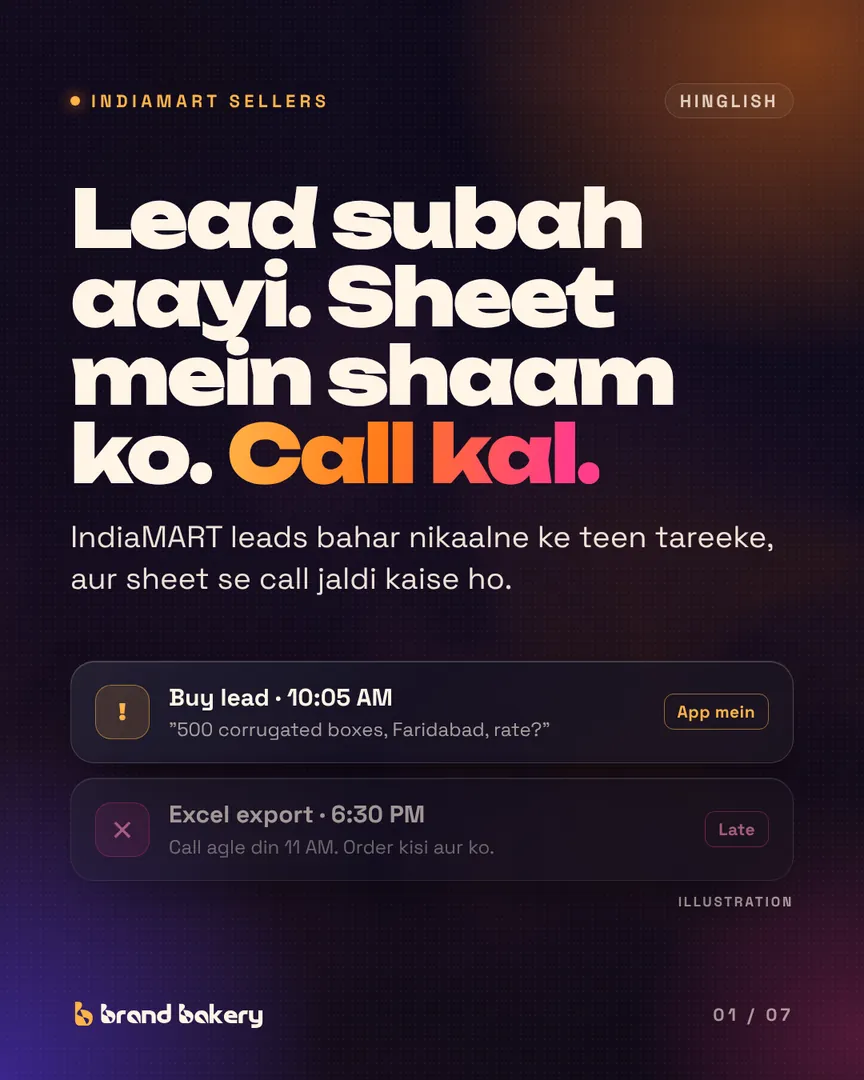
IndiaMART sellers ke paas leads ki kami nahi hoti. Dikkat leads ko IndiaMART se call karne wale tak pahunchane mein hai.
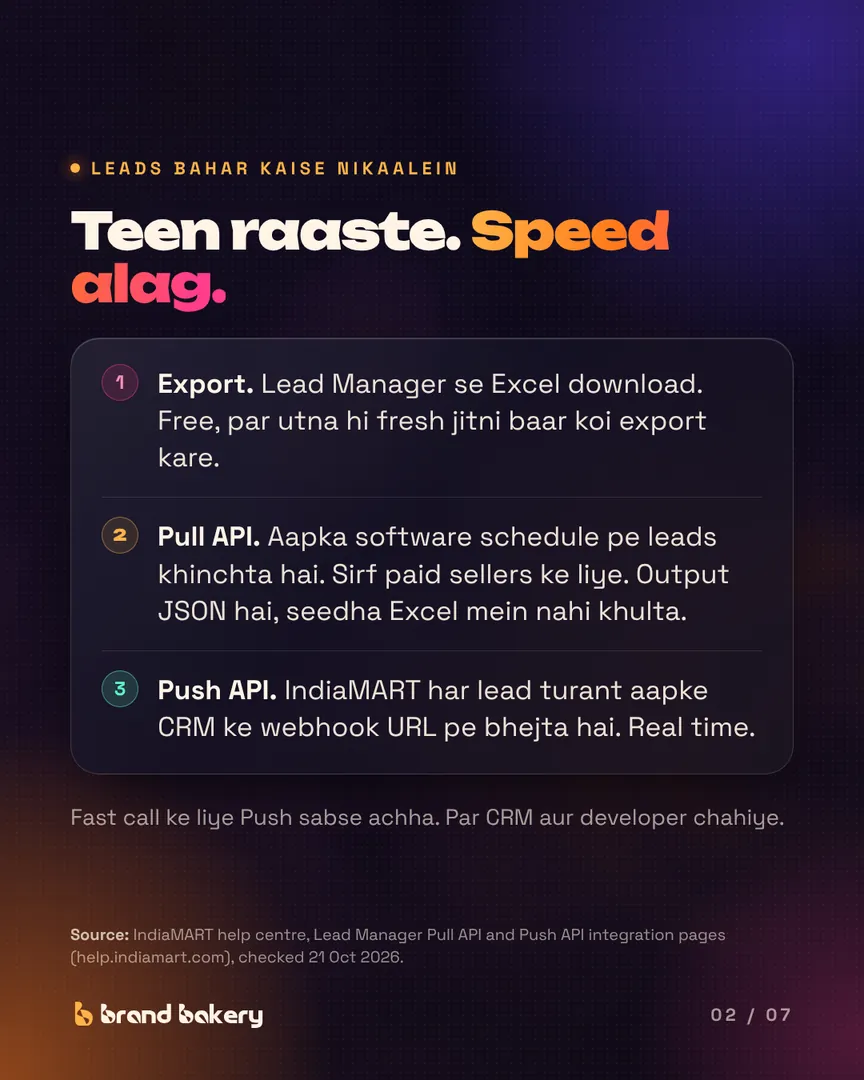
Teen raaste, IndiaMART ke apne help centre se (checked 21 Oct 2026):
- Lead Manager se export. Free, par utna hi fresh jitni baar koi export kare.
- Pull API. Aapka software schedule pe leads khinchta hai. Sirf paid sellers, output JSON hai, aur key 7 din lagatar use na ho toh expire ho jaati hai.
- Push API. Har lead turant aapke CRM ke webhook URL pe.
Raasta koi bhi ho, sheet mein do columns zaroori hain: "pehli call kab" aur "outcome". Har hafte enquiry time aur pehli call ka gap dekho.
Example: 600 leads mein se 400 ko call ek ghante ke baad gaya. Chauthai bhi fast call se bachi, toh 20 quotes, 4 orders, lagbhag ₹40,000 margin har mahine. (Example numbers hain, kisi seller ke nahi.)
Teen raaste. Speed alag.
- 1. Export. Lead Manager se Excel download. Free, par utna hi fresh jitni baar koi export kare.
- 2. Pull API. Aapka software schedule pe leads khinchta hai. Sirf paid sellers ke liye. Output JSON hai, seedha Excel mein nahi khulta.
- 3. Push API. IndiaMART har lead turant aapke CRM ke webhook URL pe bhejta hai. Real time.
- Fast call ke liye Push sabse achha. Par CRM aur developer chahiye.
Source: IndiaMART help centre, Lead Manager Pull API and Push API integration pages (help.indiamart.com), checked 21 Oct 2026.
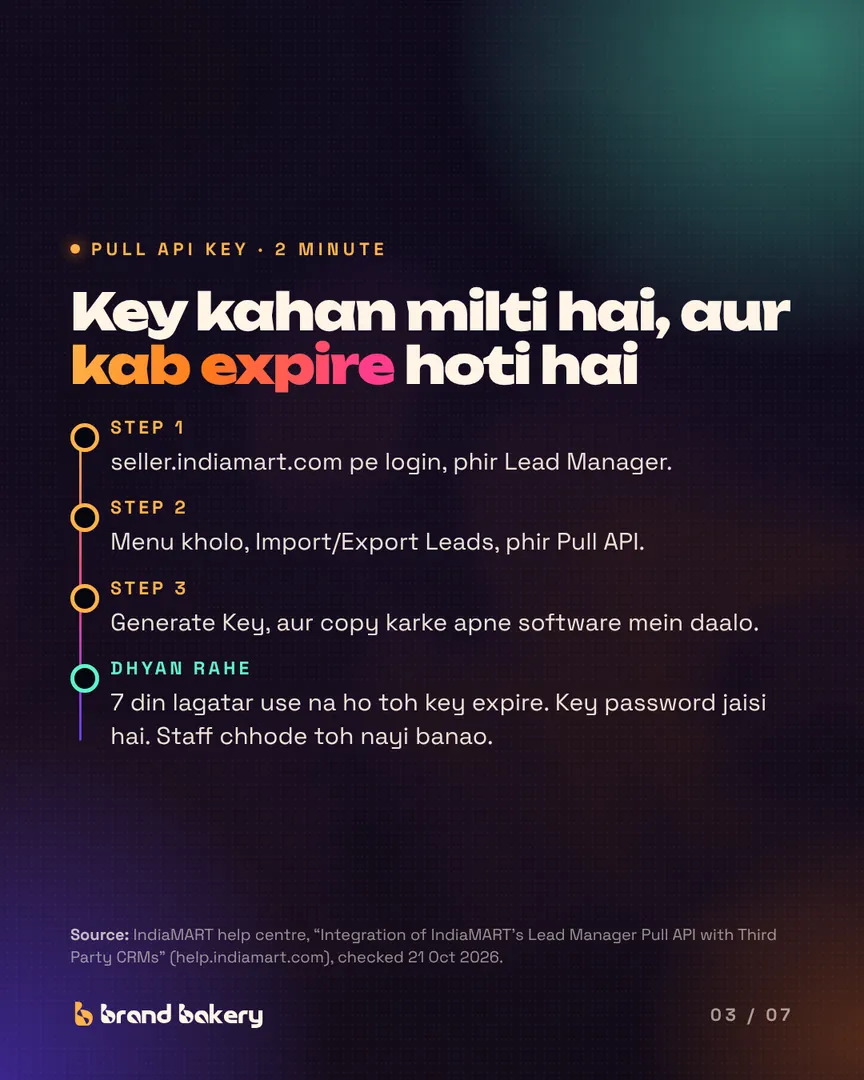
Key kahan milti hai, aur kab expire hoti hai
- Step 1: seller.indiamart.com pe login, phir Lead Manager.
- Step 2: Menu kholo, Import/Export Leads, phir Pull API.
- Step 3: Generate Key, aur copy karke apne software mein daalo.
- Dhyan rahe: 7 din lagatar use na ho toh key expire. Key password jaisi hai. Staff chhode toh nayi banao.
Source: IndiaMART help centre, “Integration of IndiaMART’s Lead Manager Pull API with Third Party CRMs” (help.indiamart.com), checked 21 Oct 2026.
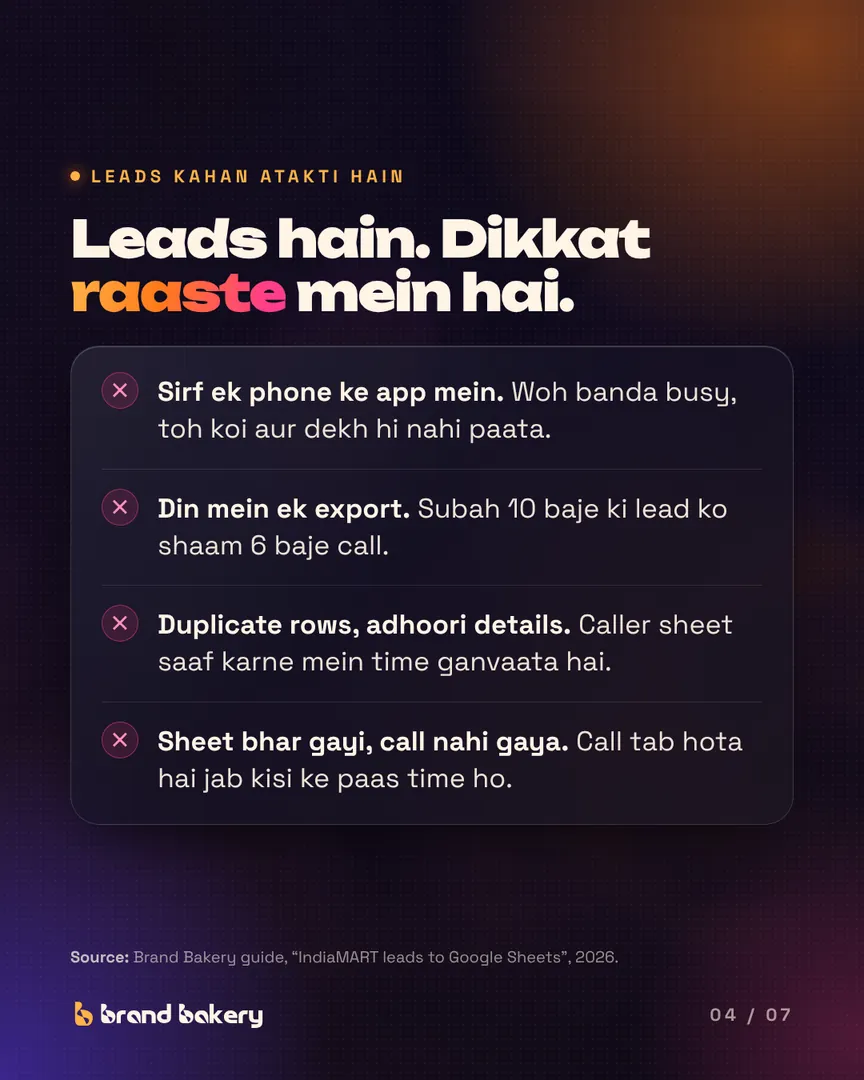
Leads hain. Dikkat raaste mein hai.
- Sirf ek phone ke app mein. Woh banda busy, toh koi aur dekh hi nahi paata.
- Din mein ek export. Subah 10 baje ki lead ko shaam 6 baje call.
- Duplicate rows, adhoori details. Caller sheet saaf karne mein time ganvaata hai.
- Sheet bhar gayi, call nahi gaya. Call tab hota hai jab kisi ke paas time ho.
Source: Brand Bakery guide, “IndiaMART leads to Google Sheets”, 2026.
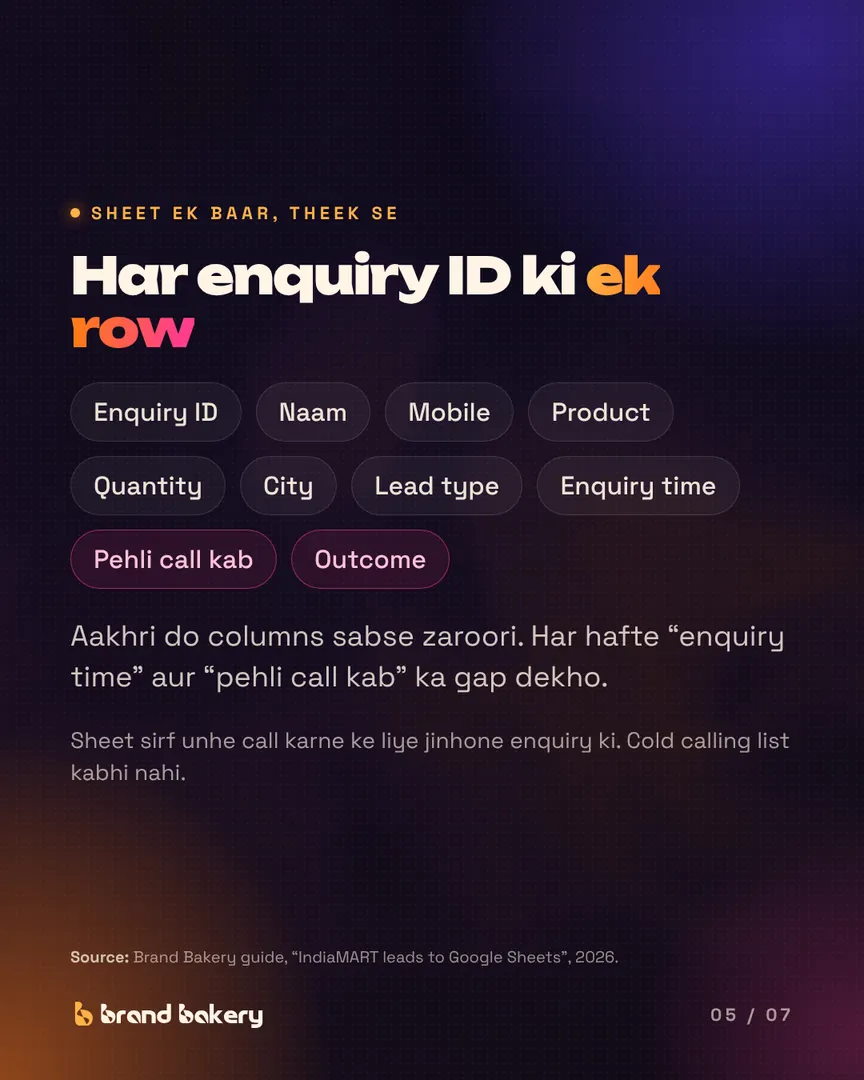
Har enquiry ID ki ek row
- Columns: Enquiry ID, naam, mobile, product, quantity, city, lead type, enquiry time, pehli call kab, outcome.
- Aakhri do columns sabse zaroori. Har hafte “enquiry time” aur “pehli call kab” ka gap dekho.
- Sheet sirf unhe call karne ke liye jinhone enquiry ki. Cold calling list kabhi nahi.
Source: Brand Bakery guide, “IndiaMART leads to Google Sheets”, 2026.
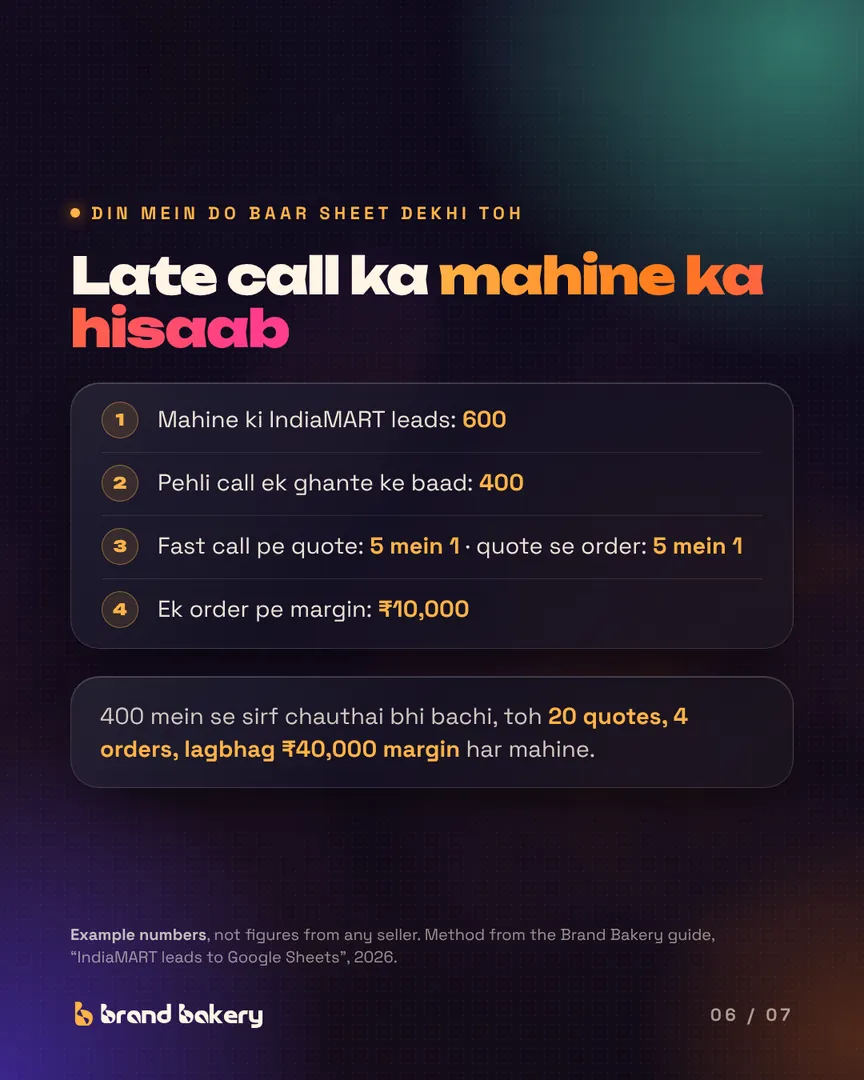
Late call ka mahine ka hisaab (example)
- 1. Mahine ki IndiaMART leads: 600
- 2. Pehli call ek ghante ke baad: 400
- 3. Fast call pe quote: 5 mein 1 · quote se order: 5 mein 1
- 4. Ek order pe margin: ₹10,000
- 400 mein se sirf chauthai bhi bachi, toh 20 quotes, 4 orders, lagbhag ₹40,000 margin har mahine.
Example numbers, not figures from any seller. Method from the Brand Bakery guide, “IndiaMART leads to Google Sheets”, 2026.
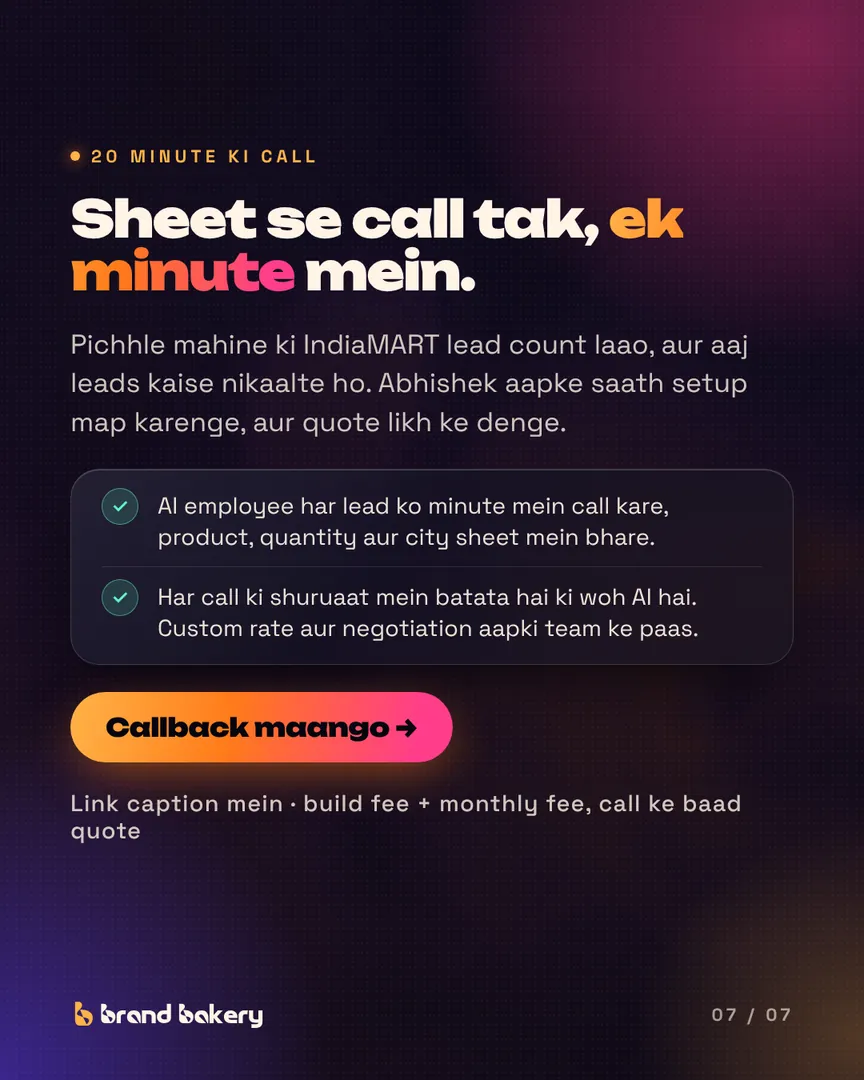
Sheet se call tak, ek minute mein.
- Pichhle mahine ki IndiaMART lead count laao, aur aaj leads kaise nikaalte ho. Abhishek aapke saath setup map karenge, aur quote likh ke denge.
- AI employee har lead ko minute mein call kare, product, quantity aur city sheet mein bhare.
- Har call ki shuruaat mein batata hai ki woh AI hai. Custom rate aur negotiation aapki team ke paas.